Kloki GO: a time tracking app for iOS and Android
Kloki GO is the Kloki time tracking app for iOS and Android. Employees clock in and out with one tap, record breaks, request leave or a day working from home, and check their weekly schedule. The phone and the web app share the same data in real time.
The app is part of Kloki and is built for businesses with people at several locations, on shifts or in the field, where a card reader at the door doesn't make sense.
How does an employee track time on a phone?
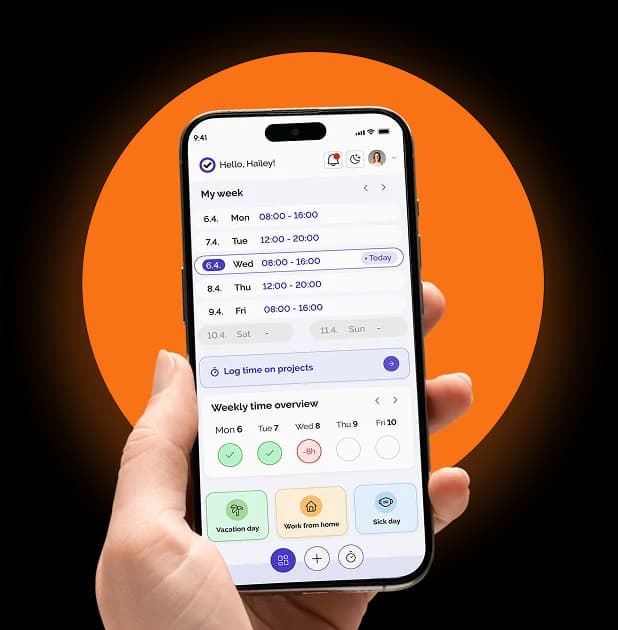
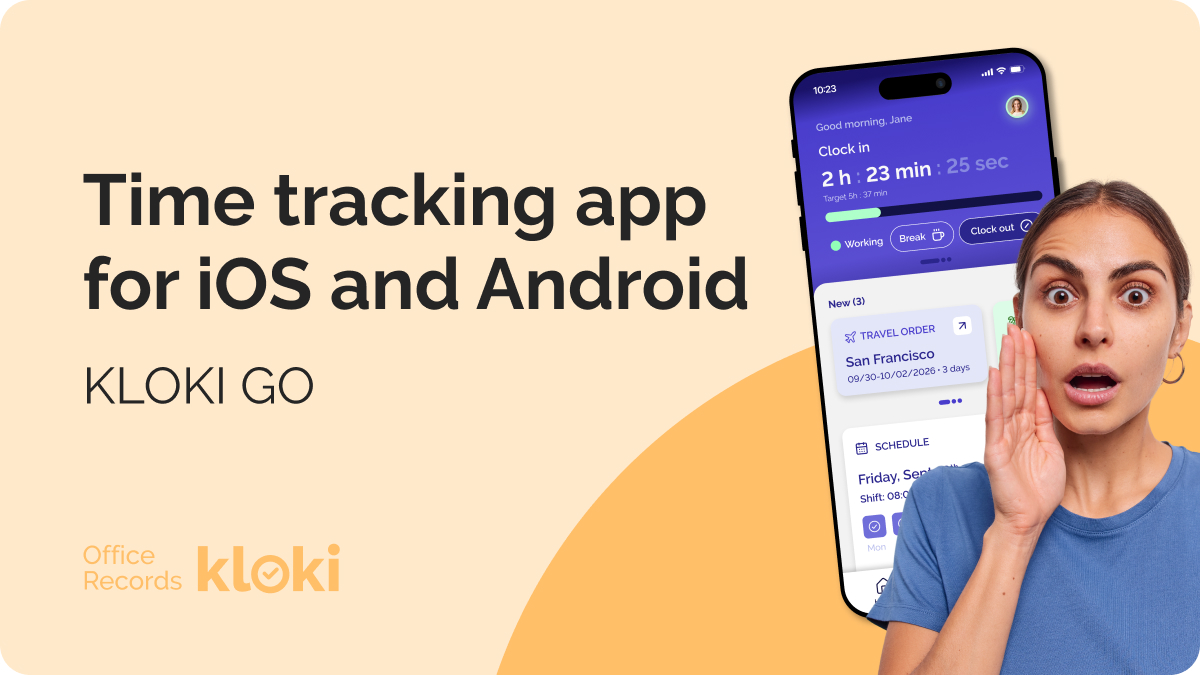
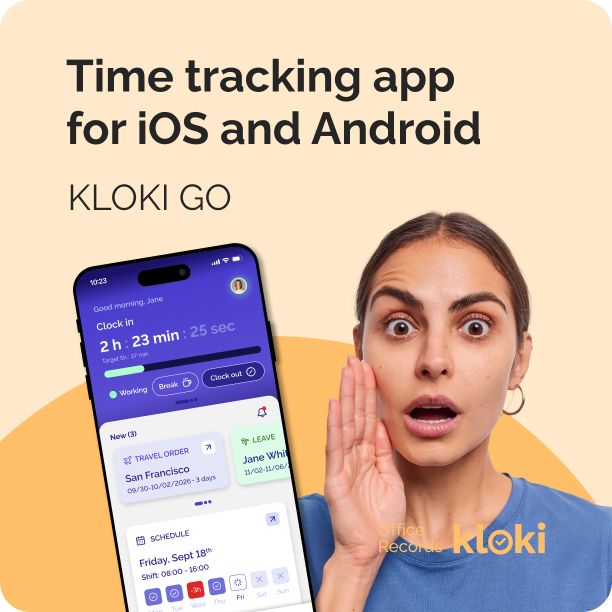
The home screen shows a clock with the shift status. One tap starts the shift, and the same clock pauses and stops it, with no logging in each time. Breaks and the clock-in location are recorded with every entry.
Under the clock, My week shows hours worked against the schedule, for example 16 of 40 hours with the percentage done, broken down by day. Employees see where they stand without waiting for the month-end numbers.
How do employees request leave, sick days or working from home?
Through New request. The employee picks the type and the dates:
- annual leave
- working from home
- sick leave
- paid leave
- unpaid leave (if the employer allows it)
For the most common case there is a quick request: working from home today or tomorrow takes one tap and a confirmation. The remaining leave balance is on the same screen, and the approval status updates in real time.
How do managers see who is where?
The app has a team overview for today. It shows the headcount, how many people are working from home and how many are away, then a list by category: working from home, on leave, off sick. Each name shows the job title and the dates of the absence.
For planning, a weekly view shows the whole team, with absences as bars across the days, split by type (leave, sick leave, business trip). Overlaps and short-staffed weeks stand out straight away.
Does the app track project hours and business trips?
Yes, both.
- Project hours: alongside attendance, employees can log time per project, with a live timer or by hand, choosing the project and adding a description and duration. Duration can be typed as 1:30 or 1.5, with quick picks for 0:30, 1:00, 2:00, 4:00 and 8:00. Any entry can be marked billable, which matters if you invoice hours to clients. More in project time tracking.
- Business trips: trips are listed in the app with their number, destination, date and status (for example, Vienna, trip completed). They also show up in the weekly team view next to absences.
Does it work with iPhone widgets and notifications?
Yes. iPhone widgets let you start a shift and check today's schedule from the home screen, without opening the app.
Real-time notifications cover approvals, shift changes and reminders. Nobody has to open the app to find out whether their leave was approved.
How does the app connect to the web app?
The mobile and web apps use the same data in real time. Employees work from their phones, admins and accountants from the web.
In the web settings you also decide what counts as a valid clock-in:
- clock-in channels: mobile app and web, or mobile app only
- allowed locations, each with its own radius (150 metres by default, adjustable from 50 to 500)
- outside the location: a clock-in outside the allowed radius is either recorded with a warning or rejected
- trusted IP addresses: a clock-in from the office network counts as a clock-in on site
Hours recorded in the app are sorted automatically into the categories you set on the web (regular, afternoon, night, Sunday, public holiday, overtime) and go into the Excel report for payroll. See attendance clock-in for the full picture.
Does mobile time tracking meet the legal requirements?
In case C-55/18 (2019), the Court of Justice of the EU ruled that employers must have an objective, reliable and accessible system for recording each worker's daily working time. The ruling is about the records, not the device. Records can be kept on paper or electronically, so a phone app is no obstacle to compliance.
What matters is that the records contain what your national rules require, including the hours that affect employee rights, such as night work, overtime and shift work. The details vary by country, so check what applies where you employ people.
Which devices does Kloki GO run on?
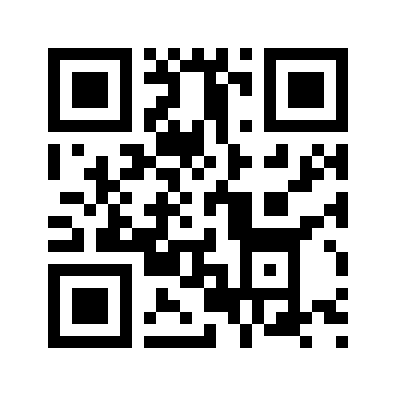
Kloki GO is on the App Store for iOS and on Google Play for Android. Scan the QR code with your phone and it opens the right store for your device:
How do you get started?
Sign up and set up your company profile, which takes a few minutes. You get a 7-day free trial of the whole Kloki system. The mobile app is included in the price, however many employees you invite to clock in with it. More on the Kloki GO page.
Frequently asked questions
Can the app be used for field work and construction sites?
Yes. Work locations are kept as a list on the web and switched on or off per project, so the clock-in is tied to where the employee is, not to a device on the premises. Clocking in and out from the field needs an internet connection.
Does the app record the clock-in location?
Yes. The location is recorded with each clock-in. In settings you choose the allowed locations and radius, and whether a clock-in outside them is only flagged with a warning or rejected.
Does every employee need their own account?
Yes. Clock-ins are tied to the employee, so hours and requests are recorded in their name.
Can an employee fix a forgotten clock-out?
Yes. When the clock has been running unusually long, the app shows a forgotten clock-out warning with the clock-in time and an option to correct it.
Can hours be tracked per project and billed to clients?
Yes. Alongside attendance there is time entry per project, with a description of the work and a billable flag.
Do employees see their schedule in the app?
Yes. The weekly schedule is on the home screen, with hours worked against hours planned.
Does the app replace a card reader?
For most businesses, yes, because the rules ask for complete records, not a physical device at the door. A card reader is still a reasonable choice when everyone arrives at the same place. For small and mid-sized businesses, and for anyone who doesn't want to install readers at every branch or site, the app is the more practical option.
Any other questions about Kloki GO or time tracking: write to info@kloki.app.