Time Tracking: The Ultimate Guide to Employee Timesheets for Payroll
Properly maintained timesheets can save a business from devastating compliance penalties and, at the same time, ensure that employees are fairly compensated for every minute they work. With labor inspections becoming more rigorous globally, this comprehensive guide covers employer obligations, employee compliance, and how to seamlessly prepare hours for automated payroll processing.
1. What Are Employers Required to Track Under Labor Laws?
Employment laws and regulations—such as the Working Time Regulations in the UK or the Fair Labor Standards Act (FLSA) guidelines in the US—clearly dictate that employers must maintain accurate records for all staff. When it comes to time tracking, it's no longer enough to just write down a generic "8 hours a day." To remain audit-ready for agencies like HMRC or the Department of Labor (DOL), a robust timesheet must reflect real-time data, capturing:
- Exact clock-in and clock-out times of the workday.
- Total daily and weekly hours worked to verify statutory limits.
- Rest breaks and meal periods (vital for state-level compliance like California labor laws).
- Hours spent on annual leave, statutory sick leave, or public holidays.
- Critically important: Night shifts, overtime hours, weekend work, or bank holidays (as these specific working hours usually trigger premium pay rates or shift differentials).
2. Employer vs. Employee Responsibilities
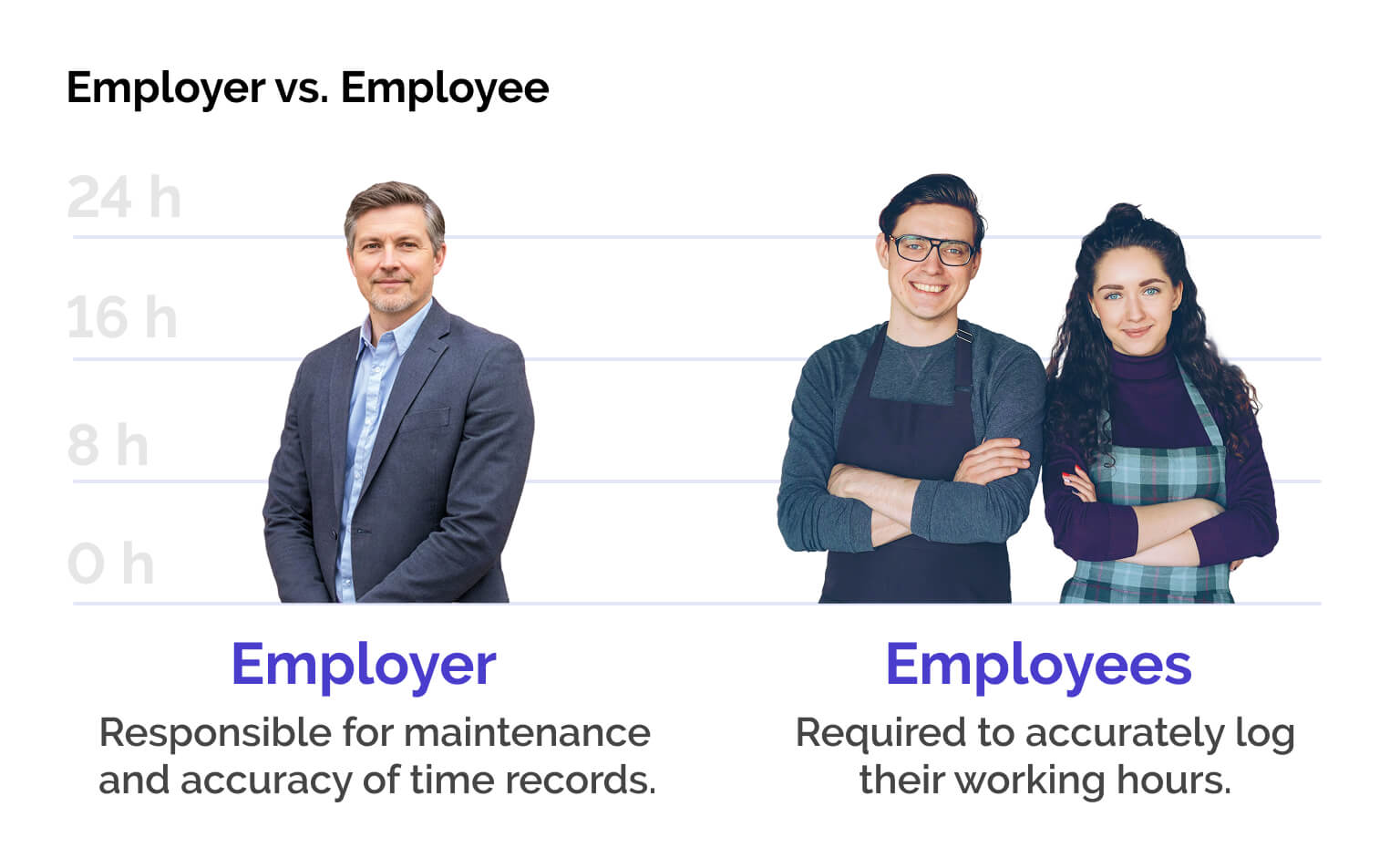
Employer Obligations: The employer holds the ultimate legal responsibility for the existence, maintenance, and accuracy of time records. Even if an employee "forgets" to log their shift, regulatory bodies will penalize the business, not the worker. Fines for non-compliance, unrecorded hours, or unpaid overtime can easily spiral into thousands of dollars or pounds. Additionally, employers are legally required to give workers access to their personal time logs upon request.
Employee Obligations: If stated in the company handbook or employment contract, employees are required to diligently and accurately log their working hours (via an automated app, keycard, or digital terminal). Intentionally falsifying time entries or repeatedly neglecting to track time can be grounds for disciplinary action or dismissal under standard labor contract clauses.
3. Record Retention: How Long Must You Keep Timesheets?
A common misconception among business owners is that timesheets and shift logs can be discarded after a few months. Legally, most jurisdictions require employers to store time tracking and payroll-related records for a minimum of 3 to 6 years (e.g., IRS requires 4 years for employment taxes, while the UK requires 3 years for working time logs). If a labor dispute arises (e.g., a tribunal or lawsuit regarding unpaid overtime hours), these records must be kept safely until the dispute is legally settled.
4. Prepare Timesheets for Seamless Payroll Processing
The end of the month often brings administrative chaos as fragmented shifts must be transformed into accurate payslips. To ensure your HR department or external accountant can complete payroll processing without errors, your time tracking data needs to go through three crucial steps:
- Closing and Verification: On the final day of the pay cycle, timesheets must be locked. The best practice is to have the employee (or team manager) digitally sign off and confirm that the logged hours are correct.
- Categorization (Splitting Premium Hours): For a payroll specialist, a raw number like "John worked 168 hours" is practically useless. Working hours must be broken down by category: how many were standard hours, how many were statutory sick leave, and how many qualified for overtime or weekend premiums.
- Reconciliation with Contracted Hours: Every employee has a set number of contracted hours. The monthly export must clearly highlight whether the actual logged hours match the contract or if they generated a surplus (overtime) or deficit.
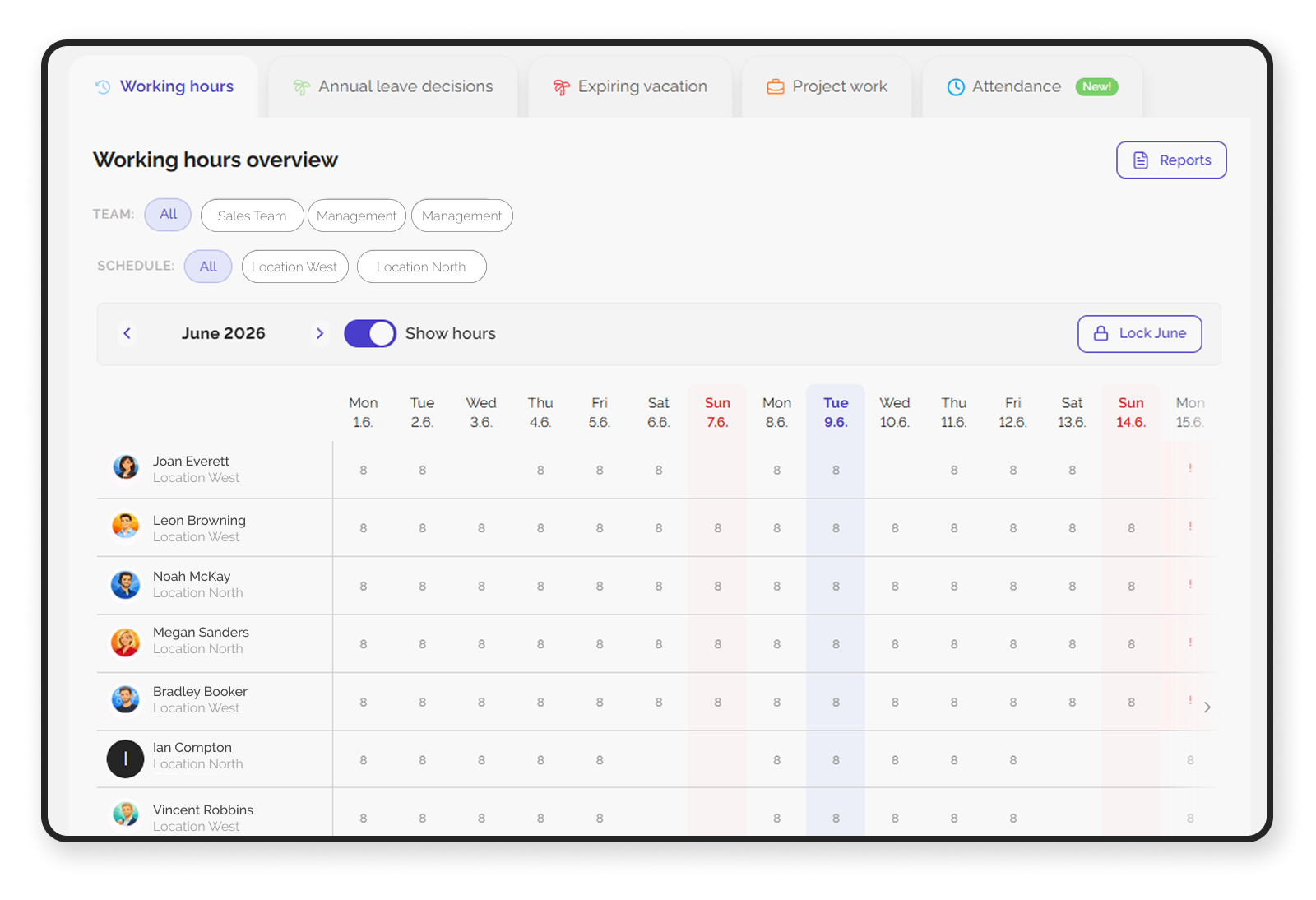
Coming Up Next: How to Decode the Monthly and Daily Data
Now that you know the legal landscape and foundational rules of time compliance, how do you actually interpret the complex grids of data generated at the end of the month?
In our next blog, The Monthly Timesheet: How to Decode Total Working Hours for Payroll, we will break down a standard compliance-ready timesheet column by column. We'll show you exactly how to separate regular hours from premium differentials, how to handle complex sick leave funding (like UK's Statutory Sick Pay), and how to manage granular daily shift anomalies without making costly manual errors. To see firsthand how a digital timesheet system can simplify your daily operations and save hours for your payroll team, take advantage of Kloki's 7-day free trial with no obligation.