The Monthly Timesheet: How to Decode Total Working Hours for Payroll
To optimize your payroll processing and ensure audit-ready compliance, let's look at how working hours are grouped on a monthly level and what each column means for your company's bottom line.
1. Basic Data and Regular Hours
- Employee Name / ID: Clear identification of the staff member.
- Total Logged Hours: The cumulative number of hours an employee spent working or on paid absence (vacation, sick leave) during the month.
- Standard / Core Hours: Working hours completed within the standard daily schedule.
- Public Holiday / Bank Holiday Hours: Hours worked on official holidays.
2. Hours Worked Under Special (Premium) Conditions
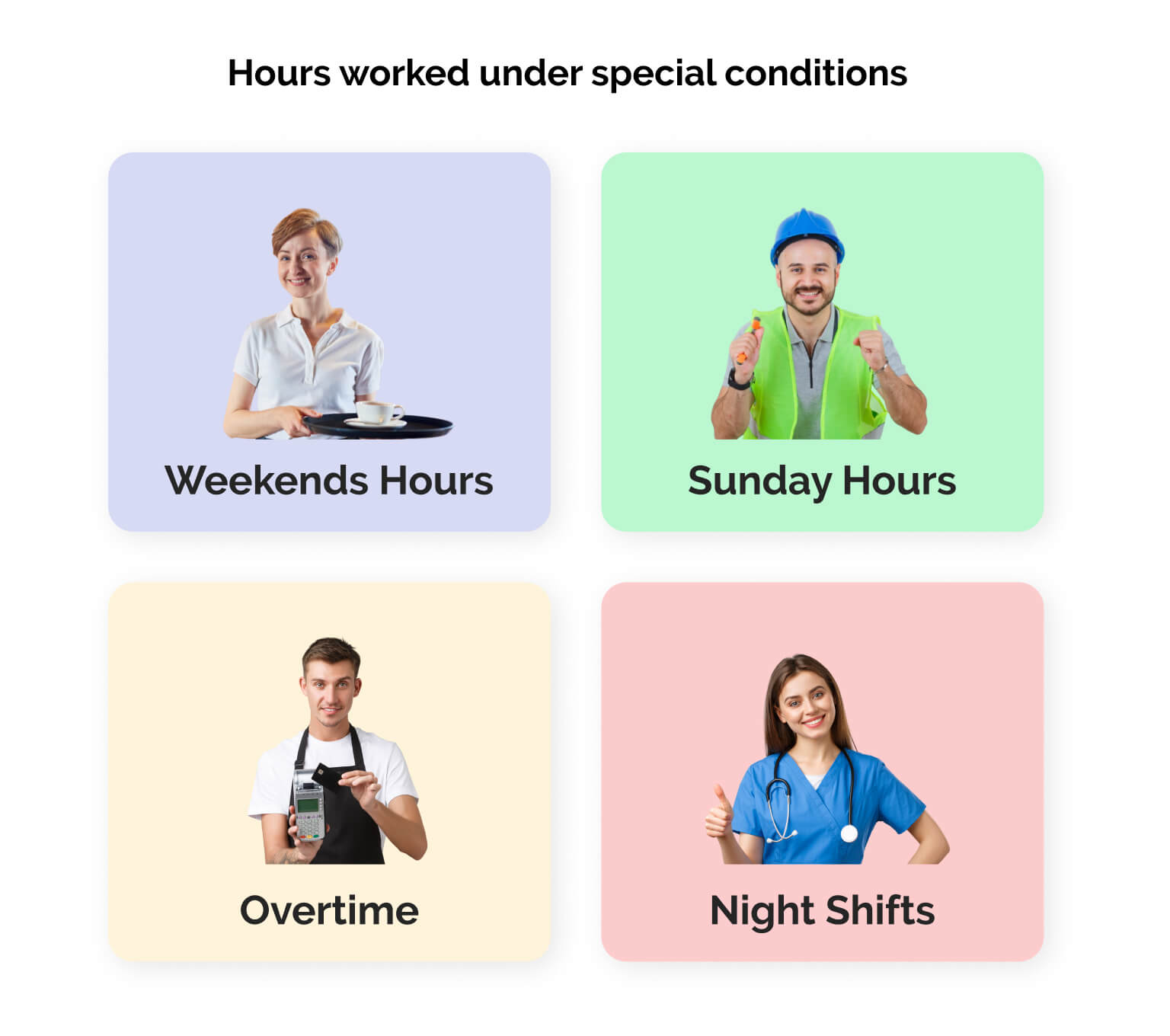
These impact payroll calculations, as each category legally or contractually requires a premium rate added to the base hourly wage:
- Saturday / Weekend Hours: Hours worked over the weekend. Many companies offer a specific weekend allowance or increased rate to incentivize shift coverage.
- Sunday Hours: In many regions, Sunday work is heavily regulated and requires mandatory premium pay.
- Night Shift Hours: Work performed during official night hours (e.g., between 10:00 PM and 6:00 AM).
- Overtime Hours: Working hours completed beyond the standard full-time threshold at the explicit request of a supervisor.
3. Annual Leave and Paid Time Off (PTO)
These are times when an employee was not physically at work but is still entitled to receive full or partial compensation:
- Annual Leave / Vacation Hours: Time spent on mandatory or contractual paid holiday.
- Paid Leave / Compassionate Leave: Hours granted for exceptional personal circumstances (e.g., bereavement, jury duty, or moving day).
- Company-Induced Downtime: If an employee shows up to work but cannot perform their duties due to circumstances out of their control (e.g., a power outage or server crash), these working hours must still be recorded and paid as standard working time.
4. Sick Leave and Medical Absence
Payroll teams audit these columns very strictly because medical absences are funded, taxed, and processed differently depending on local laws:
- Company-Funded Sick Leave: The initial period of illness paid directly by the employer out of pocket (often a percentage of the full wage).
- Statutory / Government Sick Pay: Extended sick leave, maternity/paternity leave, or long-term disability. In countries like the UK, the employer pays Statutory Sick Pay (SSP) to the worker upfront but handles it through specific tax accounts.
- Workers' Compensation / Occupational Injury: If an employee is injured on the job, these hours are tracked separately as they usually trigger different insurance payouts and 100% salary coverage.
5. Other Absences (Unpaid or Authorized)
- Unpaid Leave: Situations where an employee requests time off for personal reasons, and the employer agrees, but no salary is paid and benefits may be paused.
- Authorized Absence: Other legally protected reasons for absence where pay might not apply, but the employee's job security remains guaranteed.
Daily Time Tracking: Managing Granular Shifts Day-by-Day
This is how daily working hours are tracked to ensure compliance with local labor watchdogs.
1. Core Daily Activity and Attendance
Tracking daily presence serves as undeniable proof to labor inspectors that employees are not being overworked beyond legal limits.
- Date: The calendar day of the month.
- Total Daily Hours: Total hours logged on that specific day (usually a standard 8 hours).
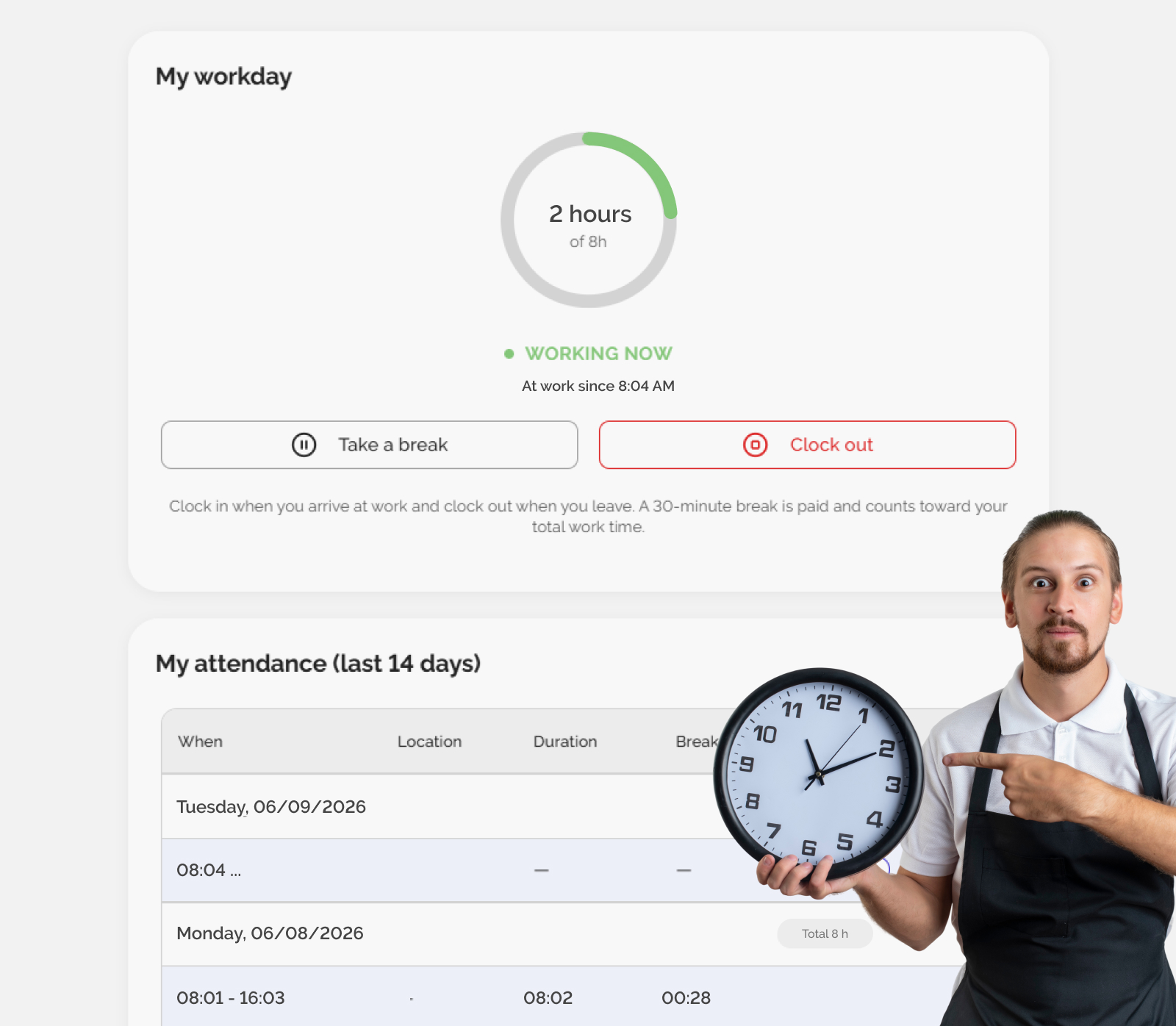
- Clock-In / Clock-Out: The exact timestamps (e.g., 08:00 and 16:00). Capturing exact timestamps is legally mandatory in many regions to prove that employees are receiving their lawful rest intervals between shifts.
2. Statutory Rest Breaks and Time Off
- Daily Rest Period: The continuous time an employee spends resting between two workdays. For example, many European laws require a minimum of 11 or 12 hours of uninterrupted rest within any 24-hour cycle.
- Weekly Rest: Weekend or rest days. Regulations typically mandate at least 24 to 48 hours of continuous rest every week.
- Rest Breaks: Intraday breaks (e.g., a 30-minute unpaid lunch break).
3. On-Call, Remote, and Field Work
- On-Call / Standby Hours: Situations where an employee isn't actively working but must remain available at home, ready to respond or log in if called. These hours are typically compensated at a lower, flat standby rate.
- Field / Travel Time: Hours spent traveling to client locations or working away from the main office, which often activates specific travel allowances or per diems.
4. Non-Work Exceptions and Conflict Scenarios
- Voluntary Early Arrival / Late Departure: When an employee clocks in early or stays late entirely on their own initiative (e.g., waiting for a ride), without a managerial directive. It is crucial to tag these hours correctly so they are not misclassified as unpaid overtime.
- Unauthorized Absence / Tardiness: Unexcused lateness or leaving early without permission. These working hours are deducted from payroll and serve as documentation for HR disciplinary tracks.
- Industrial Action / Strike: Hours where an employee participates in an authorized strike (employers are legally permitted to withhold pay for this duration).
How to Modernize Your Time Tracking
Instead of spending hours manually calculating overtime, adjusting for shift differentials, or verifying statutory rest breaks, you can let an automated system handle the heavy lifting for you.
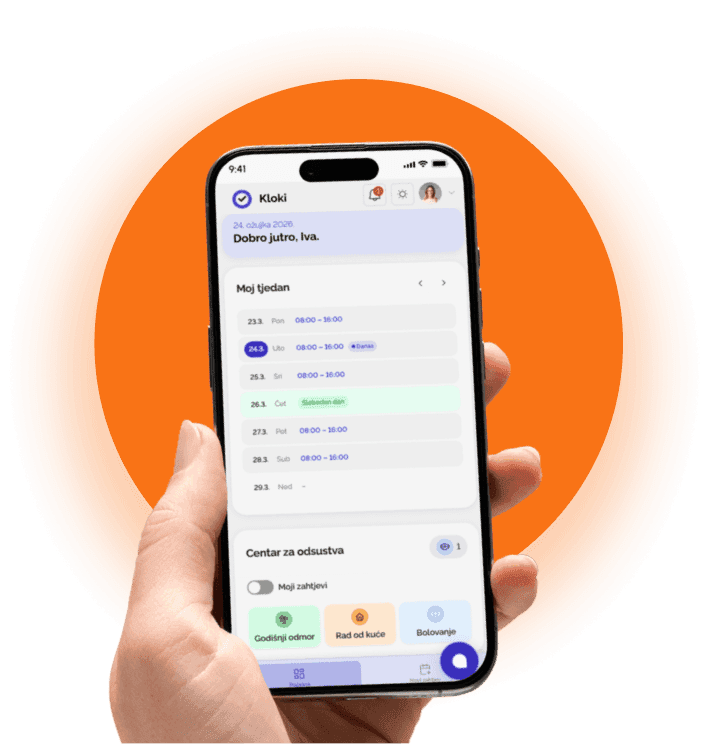
One of the easiest ways to transform your administrative workflow is by implementing a dedicated, modern software tool. We suggest trying Kloki – a smart time tracking app designed to automatically capture, categorize, and streamline employee hours in perfect alignment with modern labor regulations.